EFB Logbook in action
Explore screenshots from EFB Logbook on iOS and Android. This flight simulator logbook is built for MSFS, X-Plane, and Prepar3D pilots who want route maps, long-term statistics, achievement badges, and a clean Electronic Flight Bag–style interface.
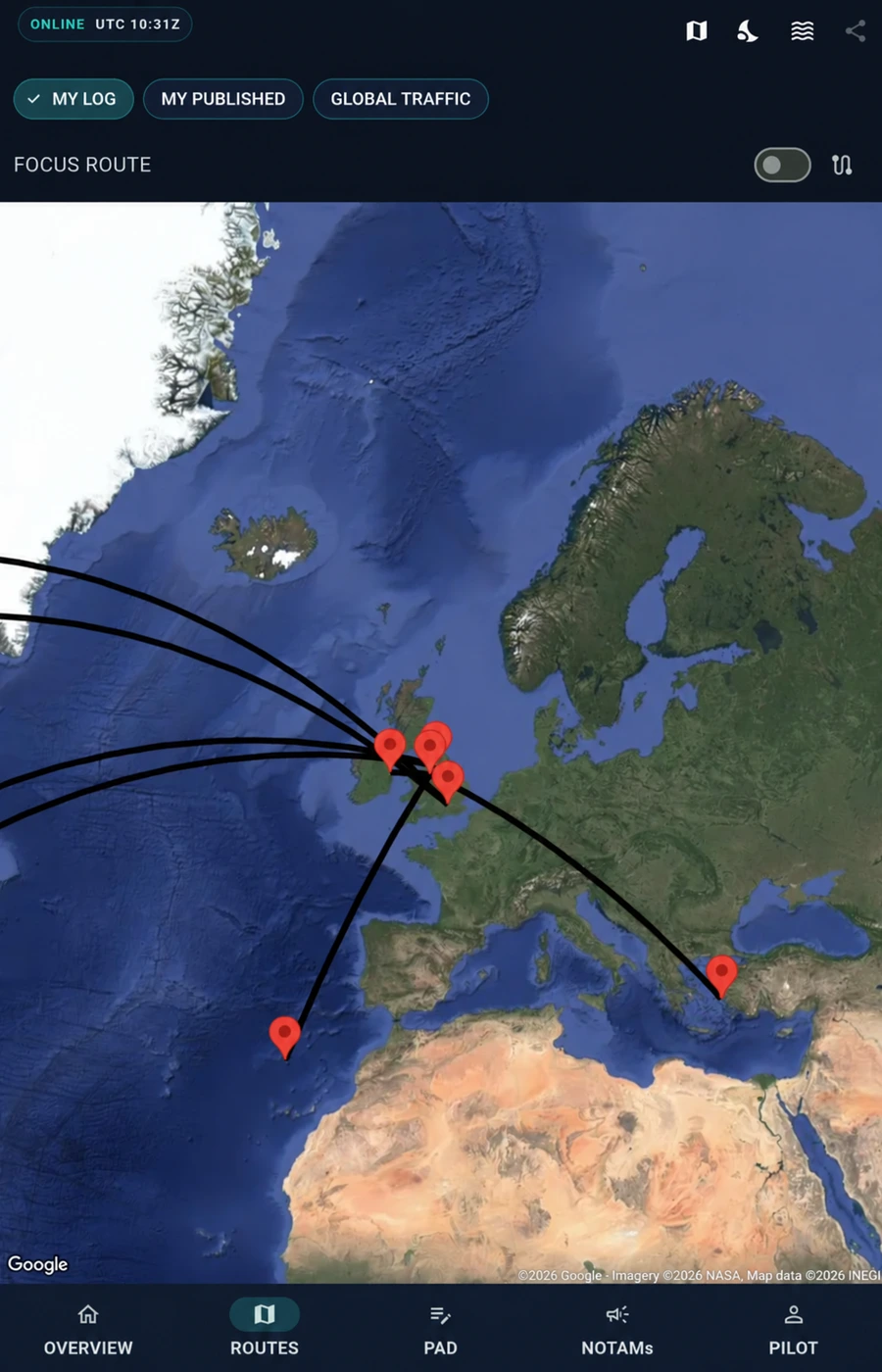
Flight map
Visualise your flown routes on a detailed world map and build a clearer picture of your simulator flying history over time.
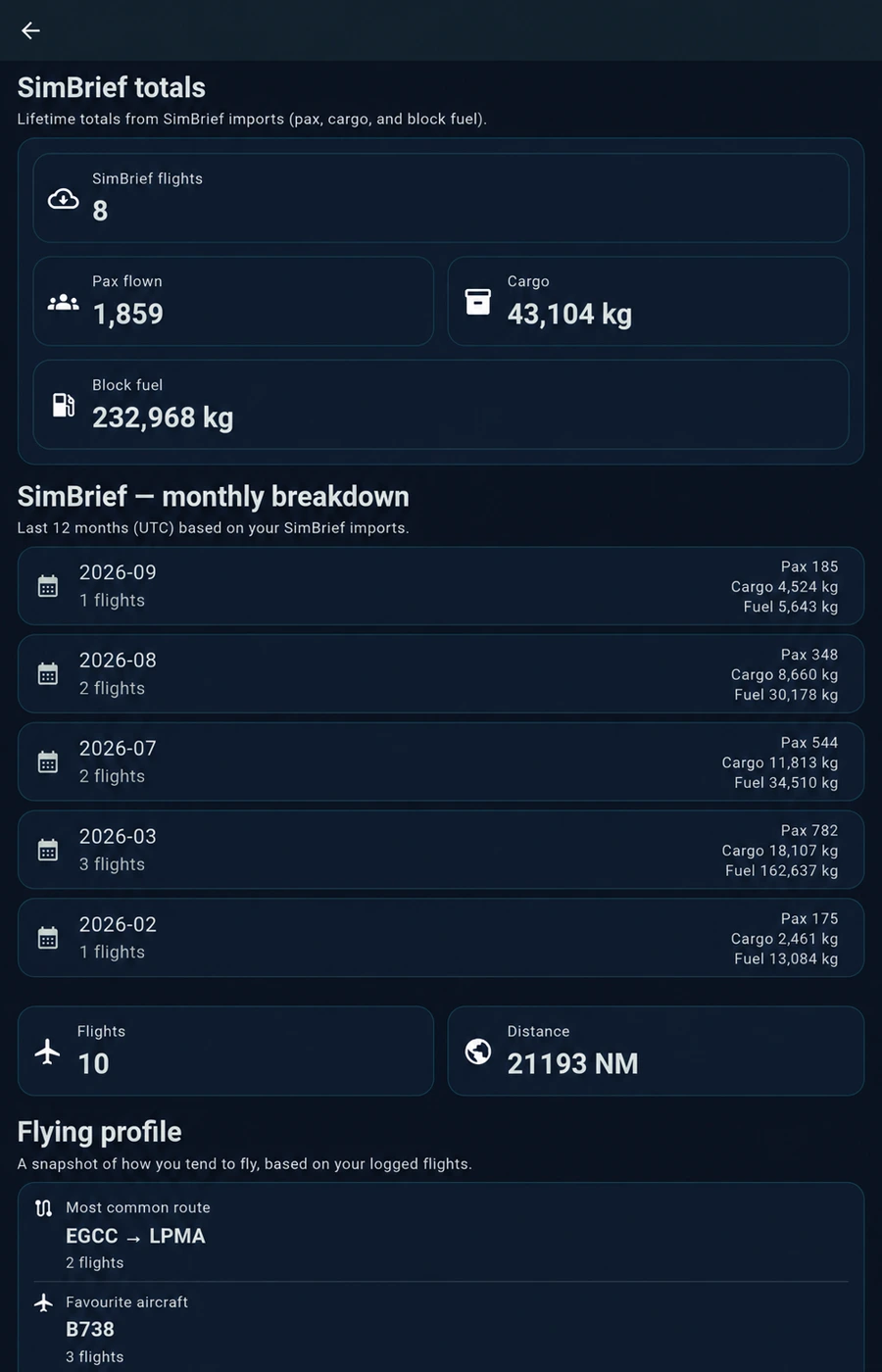
Flight statistics
Track long-term progress with detailed flight statistics including distance, aircraft activity, and overall simulator usage.
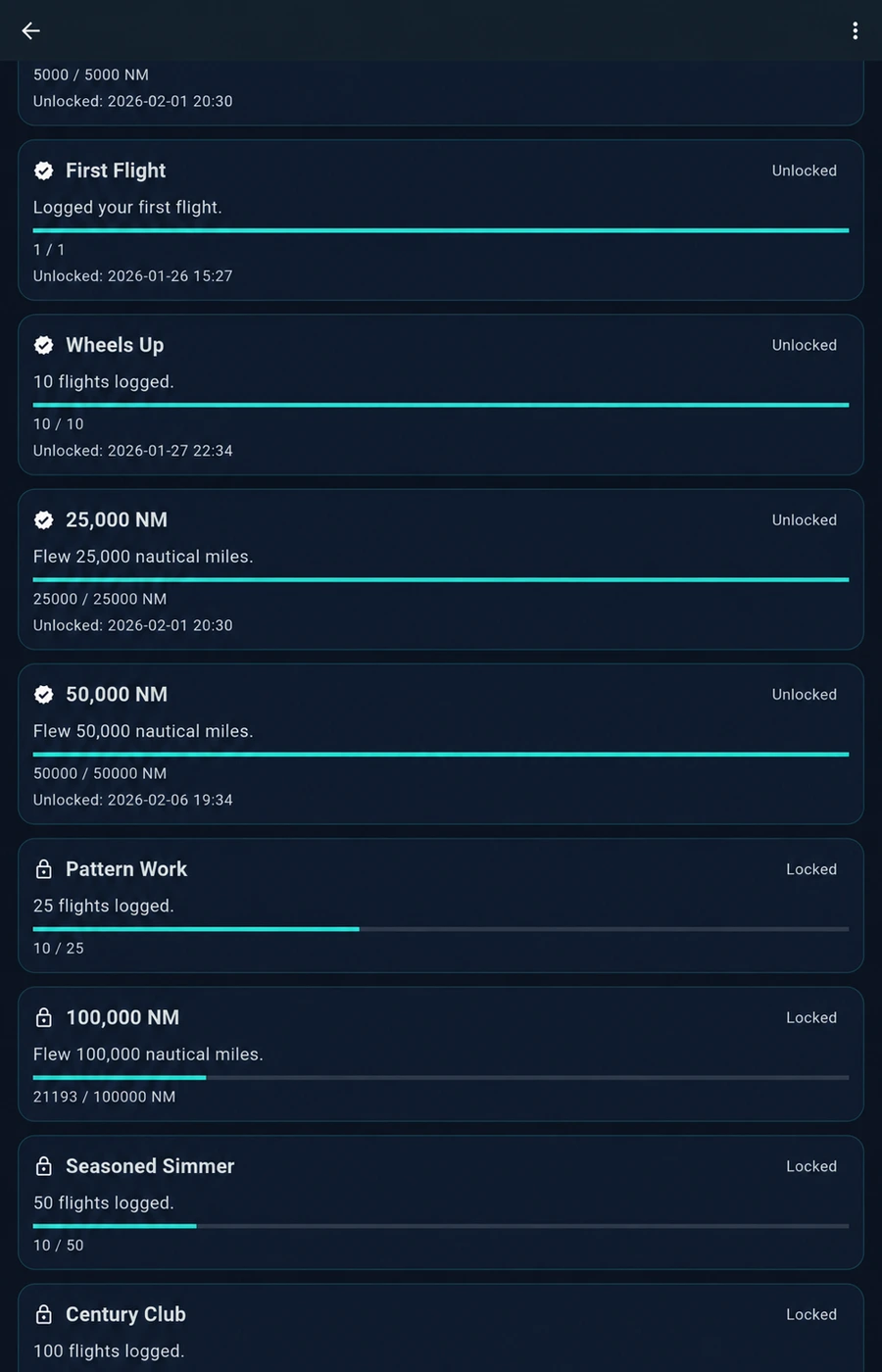
Achievements
Unlock badges and milestones as you fly, giving your logbook a sense of progression beyond basic record keeping.
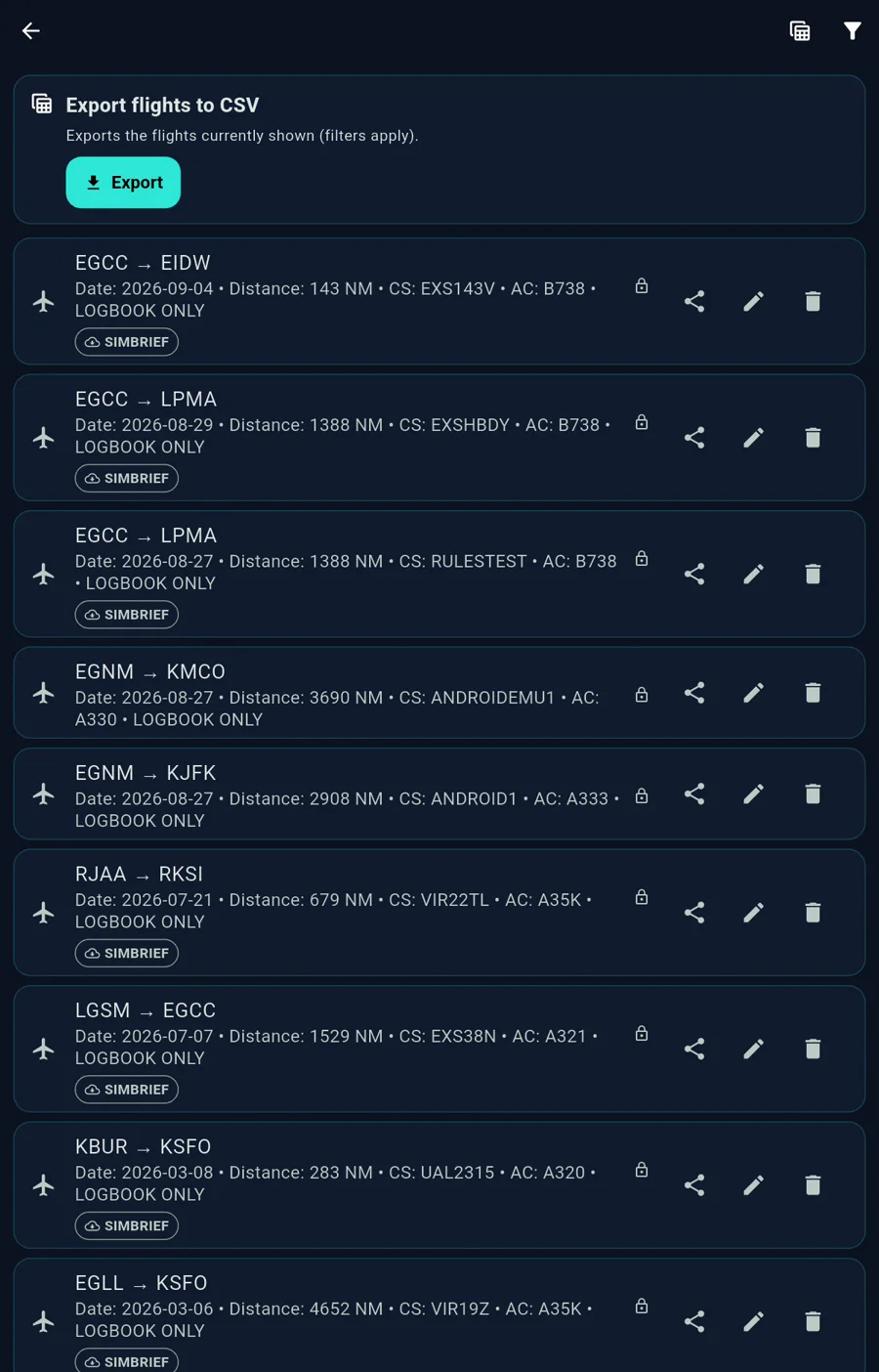
Flight logbook
Keep flights organised in a dedicated digital logbook with an aviation-style layout designed specifically for simulator pilots.
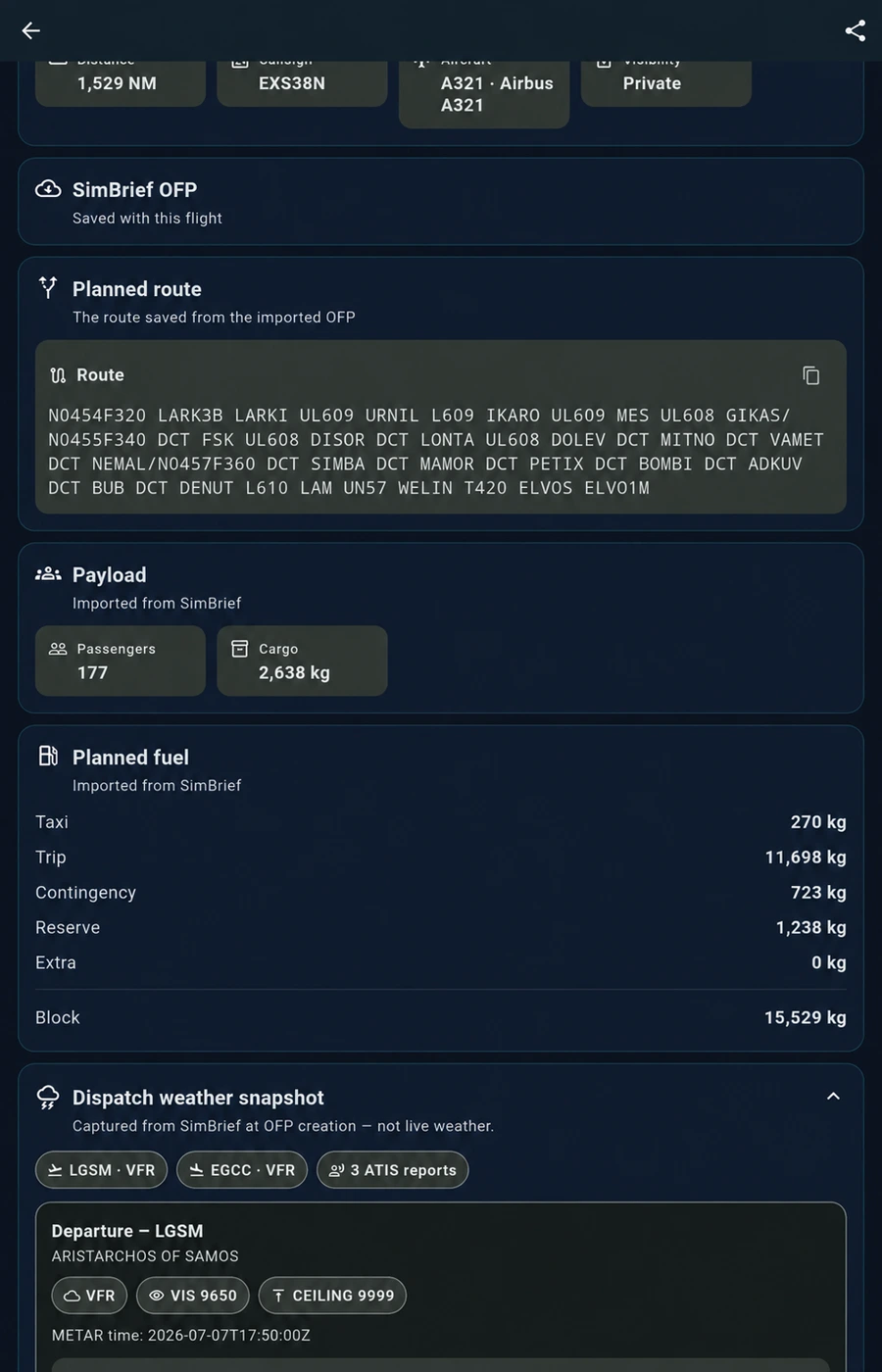
SimBrief workflow (PRO)
Import route and OFP data with PRO, then keep the saved planning snapshot alongside the flight.
Looking for installation links? Visit Download EFB Logbook. Need help? Go to Support.